Interactive wheel
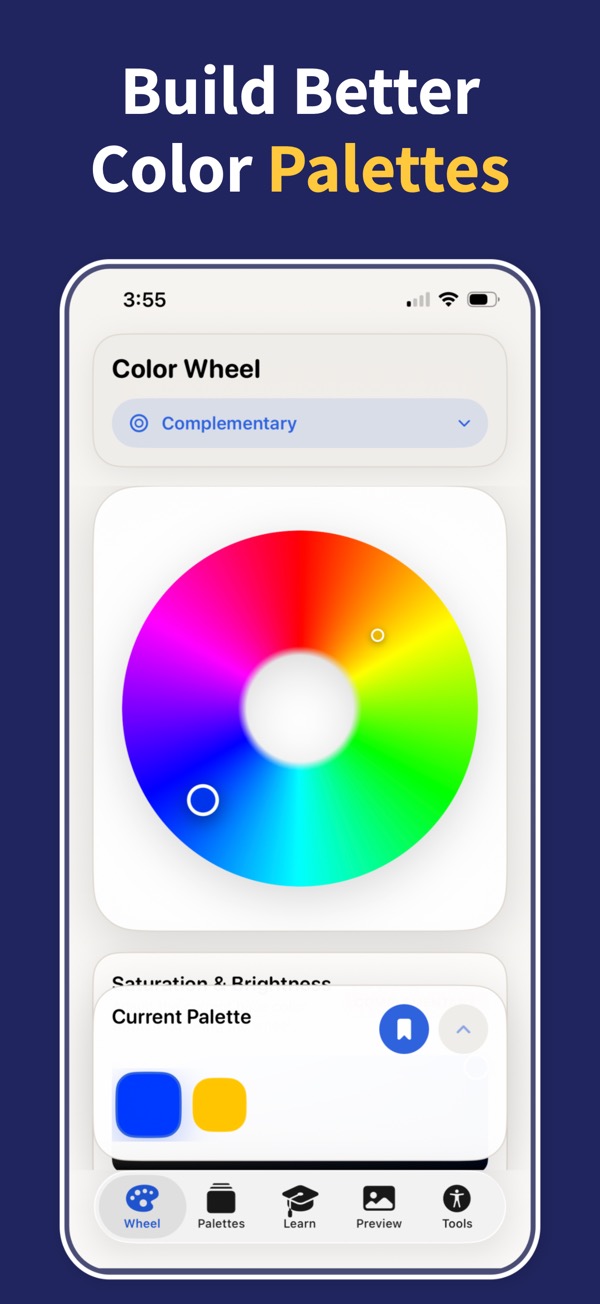
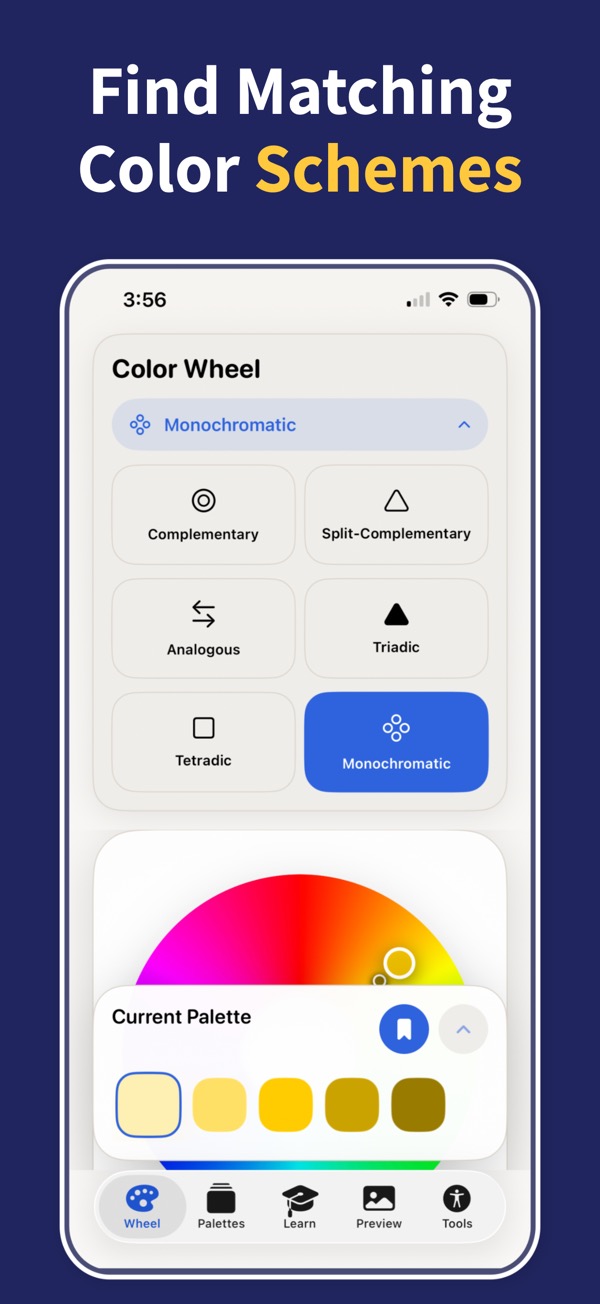
Use precise HSB controls and six harmony types to find relationships that feel intentional.
 Color Wheel & Palettes
Color theory, ready to use
Explore harmonies, create gradients, check accessible contrast, and export colors for design, web, SwiftUI, Tailwind, SCSS, or PNG.
Free to download with a short free trial for premium tools. Built for designers, developers, artists, students, and anyone choosing colors on iPhone or iPad.
 Scan to download
Open the App Store directly on your iPhone or iPad.
Scan to download
Open the App Store directly on your iPhone or iPad.
Features
Color Wheel & Palettes combines harmony, palette management, gradients, accessibility checks, and real-world previews in one focused iOS app.
Use precise HSB controls and six harmony types to find relationships that feel intentional.
Build linear, radial, and angular gradients with up to six color stops and live position control.
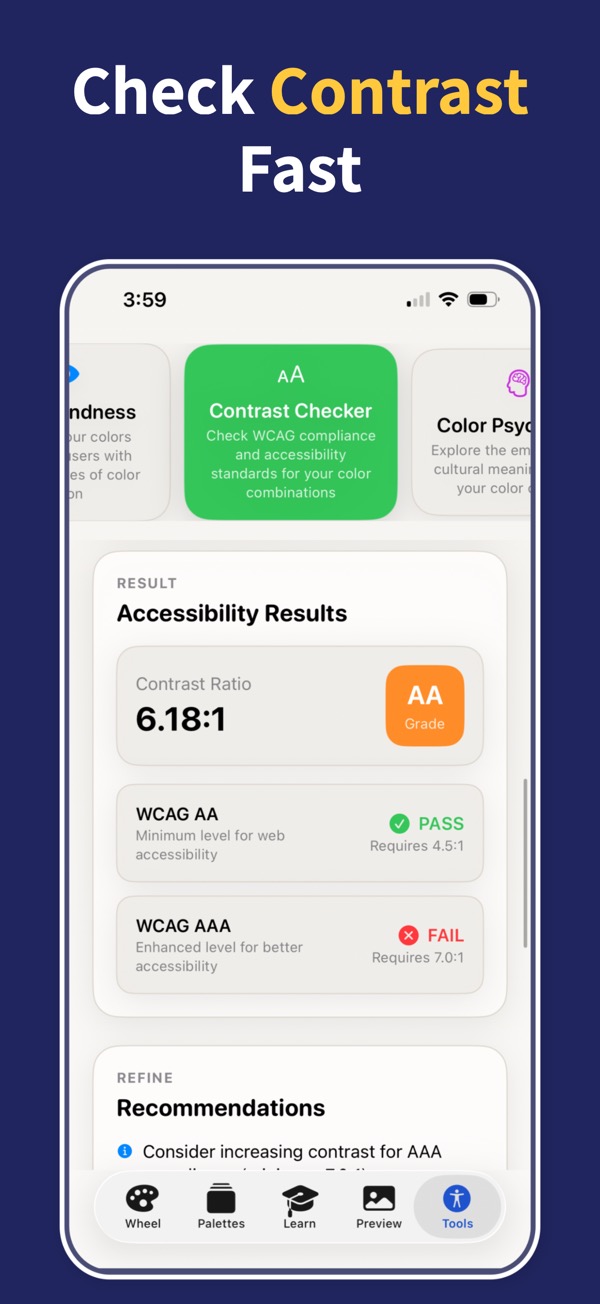
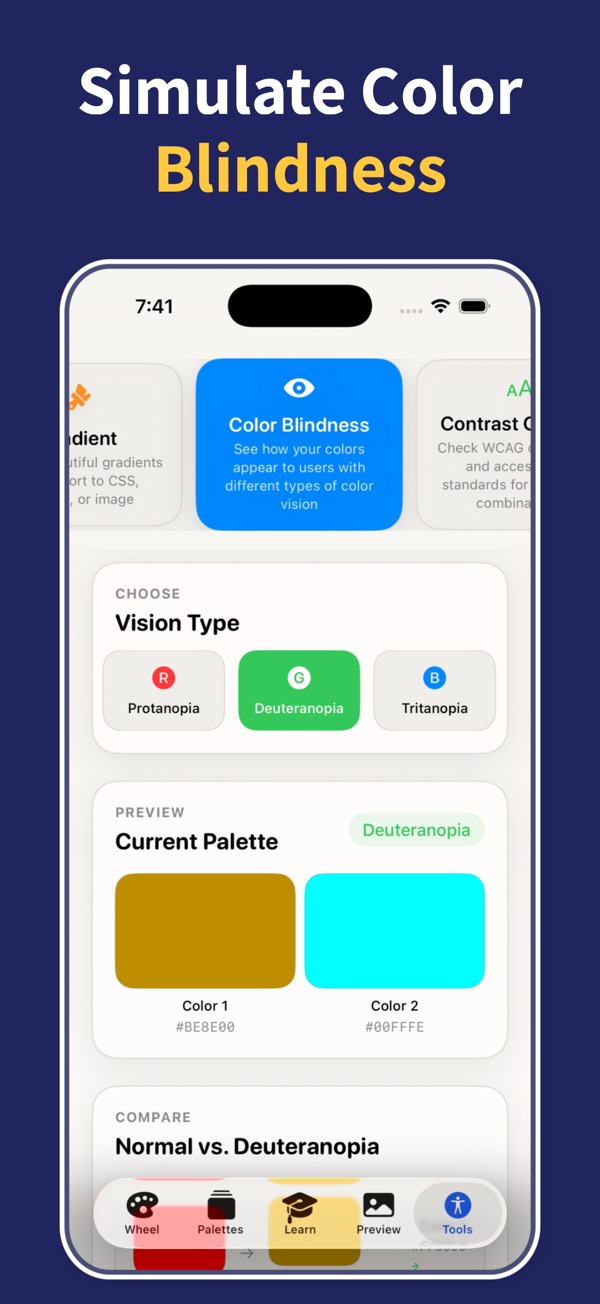
Check AA and AAA contrast ratios and get practical suggestions when a pair fails.
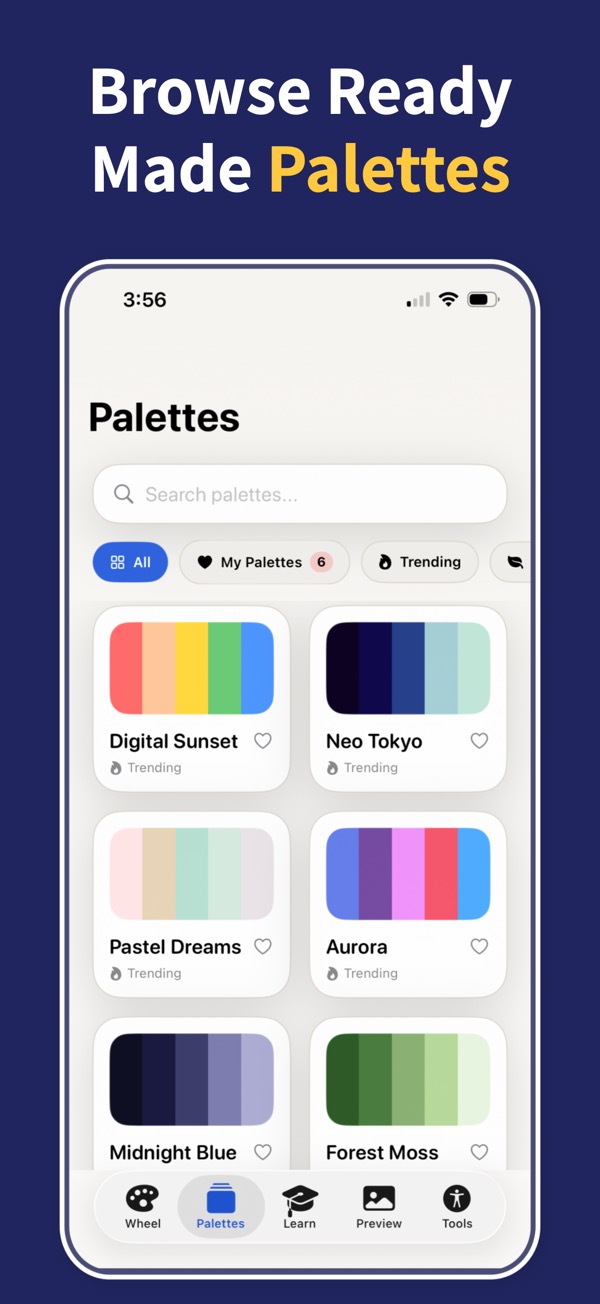
Browse 50+ curated palettes across trending, nature, tech, fashion, seasonal, mood, and more.
Workflow
Start on the wheel with HSB controls or import a curated palette.
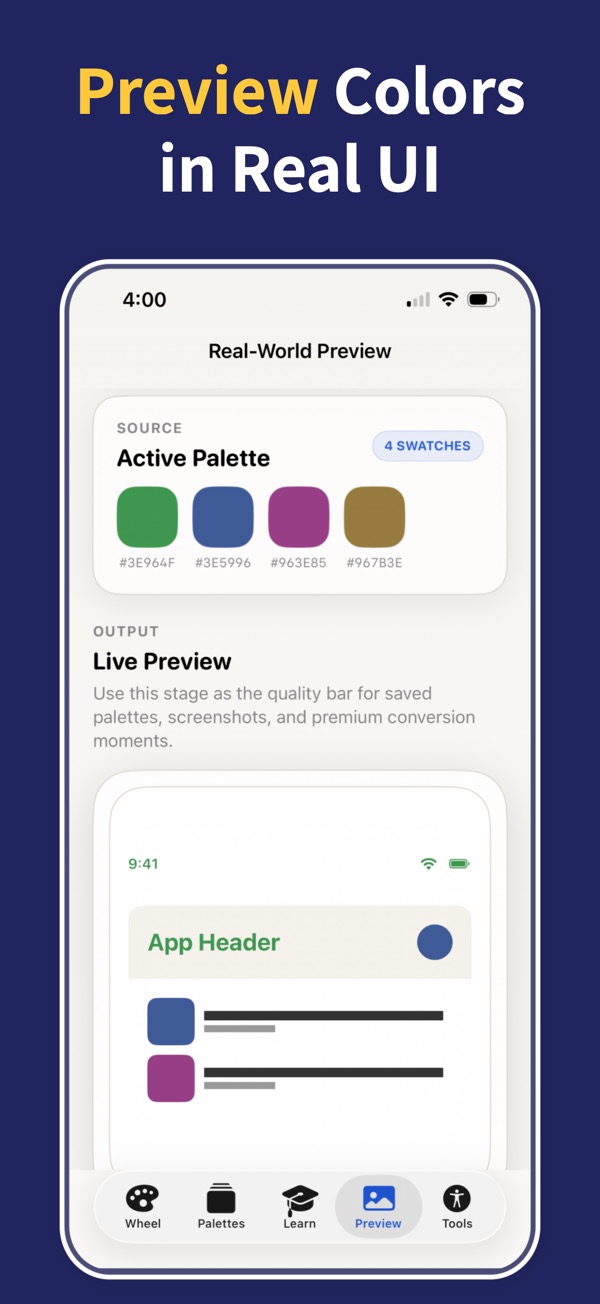
Switch harmony modes, add gradients, and preview colors in UI, branding, art, and poster contexts.
Copy HEX or RGB, export ASE, CSS, SwiftUI, Tailwind, SCSS, or PNG, then save favorites to your library.
Color Wheel
Use it before a brand refresh, app screen, website palette, poster, illustration, interior concept, or accessibility review.
Download Color Wheel & Palettes and build harmonies, gradients, accessible contrast pairs, and export-ready colors from your iPhone or iPad.