Problem
Feature guide
A color harmony tool for palettes that feel intentional
See how colors relate before you commit them to a logo, interface, poster, room, or illustration.
 Scan to download
Open the App Store directly on your iPhone or iPad.
Scan to download
Open the App Store directly on your iPhone or iPad.
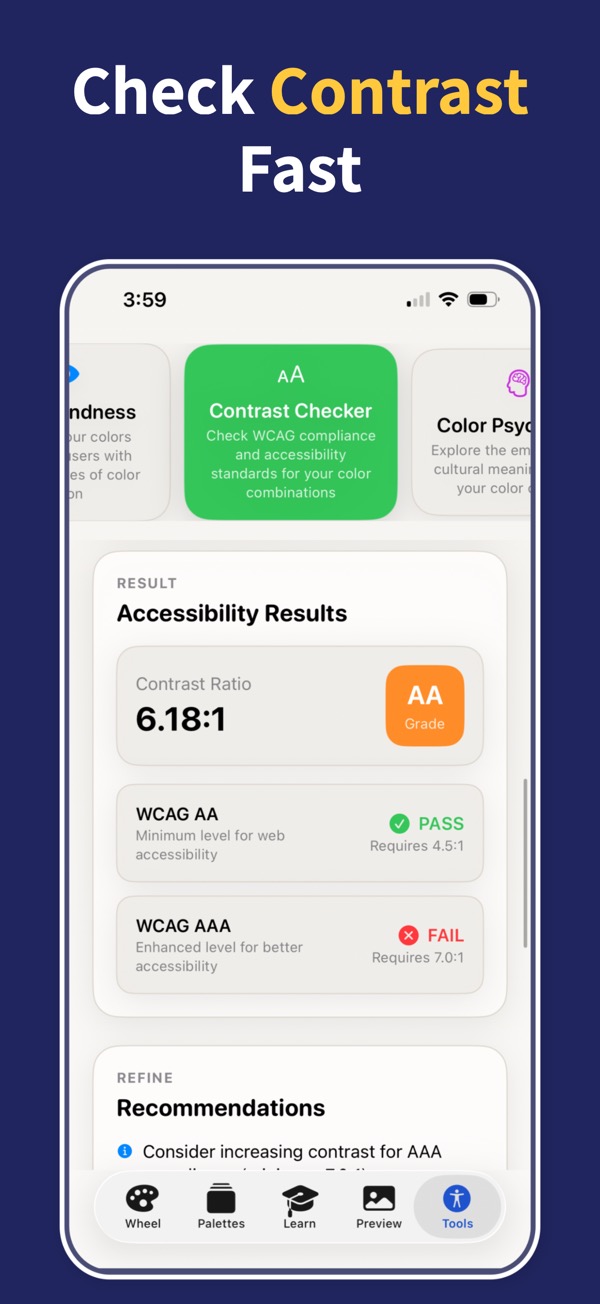
Solution
Harmony modes give each palette a pattern, making it easier to explain, repeat, and refine the color system.
What you can do
A color harmony tool for palettes that feel intentional
- Compare multiple harmony structures from the same base color.
- Preview combinations in real-world contexts before saving them.
- Use harmony as a fast starting point, then adjust colors precisely.
Questions
Questions
Can I find complementary colors?
Yes. Complementary color harmony is included along with other professional harmony types.
Does harmony replace manual adjustment?
No. It gives you a strong structure, then HSB controls let you refine the result.
Can I use harmonies for branding?
Yes. Harmony modes are useful for brand palettes, UI themes, posters, and visual identity work.
Turn color theory into finished palettes
Download Color Wheel & Palettes and build harmonies, gradients, accessible contrast pairs, and export-ready colors from your iPhone or iPad.