Guides
Color Wheel & Palettes Guides
Choose the color workflow you need to solve and learn how Color Wheel & Palettes helps turn color theory into usable design decisions.
 Scan to download
Open the App Store directly on your iPhone or iPad.
Scan to download
Open the App Store directly on your iPhone or iPad.
A color wheel app for finding harmonies fast
Use Color Wheel & Palettes as an interactive color wheel app for complementary, triadic, analogous, monochromatic, and professional color harmony workflows.
Open guide Feature guideA color palette generator for polished creative systems
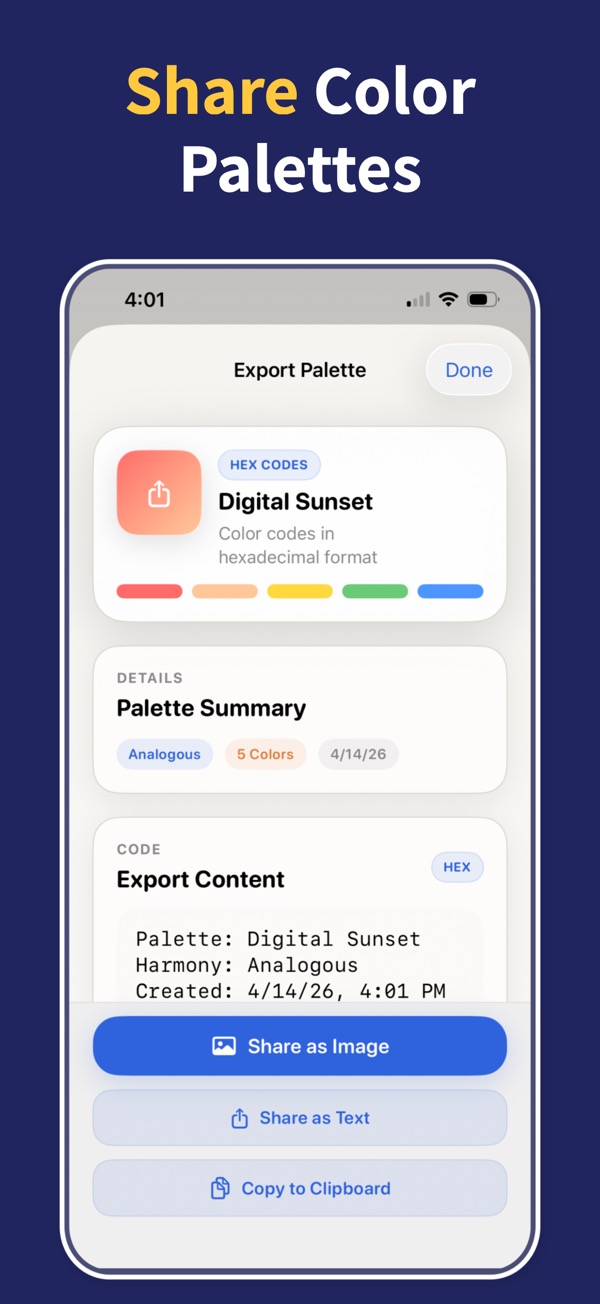
Create, browse, favorite, import, save, and export color palettes with Color Wheel & Palettes for iPhone and iPad.
Open guide Feature guideA gradient generator that exports into real projects
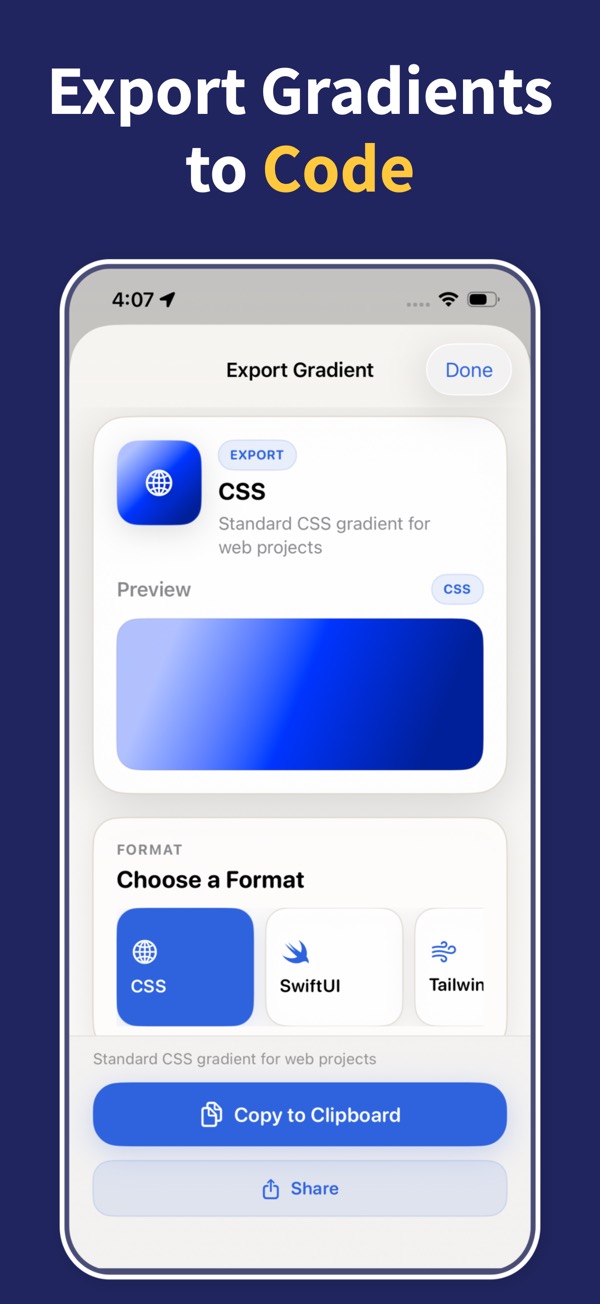
Create linear, radial, and angular gradients with up to six color stops, live previews, and exports for CSS, SwiftUI, Tailwind, SCSS, or PNG.
Open guide Problem / solutionCheck color contrast before accessibility becomes a rework
Check color contrast against WCAG AA and AAA, calculate ratios instantly, and improve failing foreground and background color pairs on iPhone and iPad.
Open guide Feature guideA color harmony tool for palettes that feel intentional
Find complementary, triadic, analogous, monochromatic, and other color harmonies with a visual color harmony tool for iPhone and iPad.
Open guide Problem / solutionExport color palettes without rebuilding them later
Export color palettes and gradients from iPhone or iPad into practical formats including HEX, RGB, ASE, CSS, SwiftUI, Tailwind, SCSS, and PNG.
Open guide Problem / solutionA design color palette app for decisions that have to hold up
Use Color Wheel & Palettes to choose brand colors, UI colors, web palettes, art palettes, interior color schemes, and accessible combinations on iPhone and iPad.
Open guideTurn color theory into finished palettes
Download Color Wheel & Palettes and build harmonies, gradients, accessible contrast pairs, and export-ready colors from your iPhone or iPad.